Ask Claude about your money
Connect Emma to Claude and get answers based on your real accounts, spending, budgets and savings. Read-only, so nothing can be moved or changed.
Add Emma to Claude

How to connect Emma to Claude

1. Open Emma in Claude
Open the Emma connector on claude.ai or in the Claude desktop app with the button below, and select Connect. An Emma page opens showing what Claude will be able to see.

2. Approve in the Emma app
On a computer, scan the QR code with your phone. On your phone, tap Open Emma. Check the request, tap Allow access, then go back to Claude and start asking.
What you can ask Claude
Ask things like “How much did I spend on eating out last month?”, “What subscriptions am I paying for?”, “Am I over budget this month?” or “Has my ISA deposit arrived?”
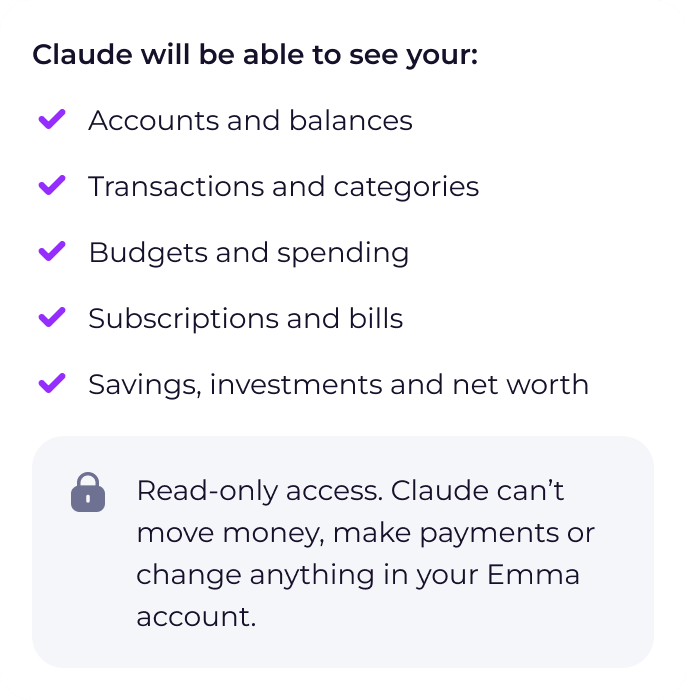
Claude can see your connected bank accounts and balances, search your transactions, break down your spending by category or merchant, check your budgets and goals, list your recurring payments and give your True Balance until payday. It can also see your Emma savings pots, Cash ISA and investment accounts.

Read-only, so you stay in control
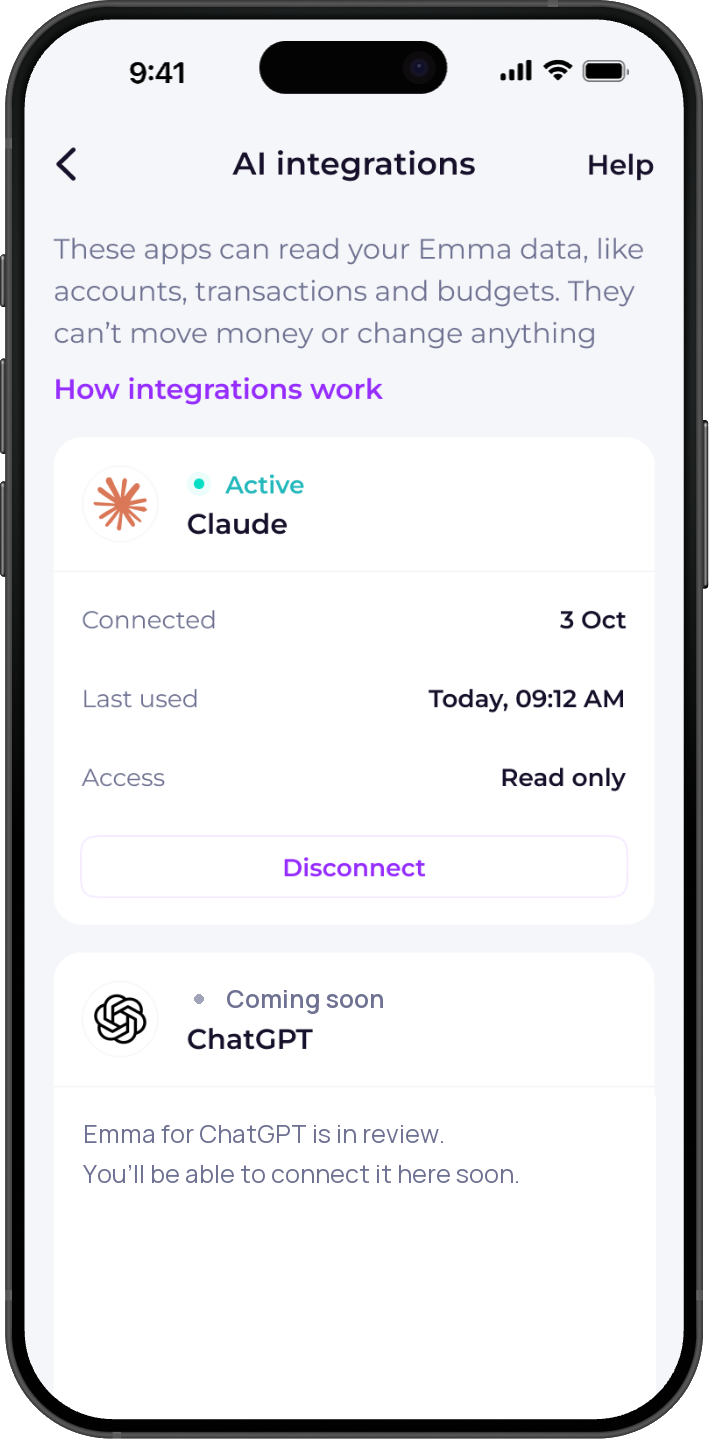
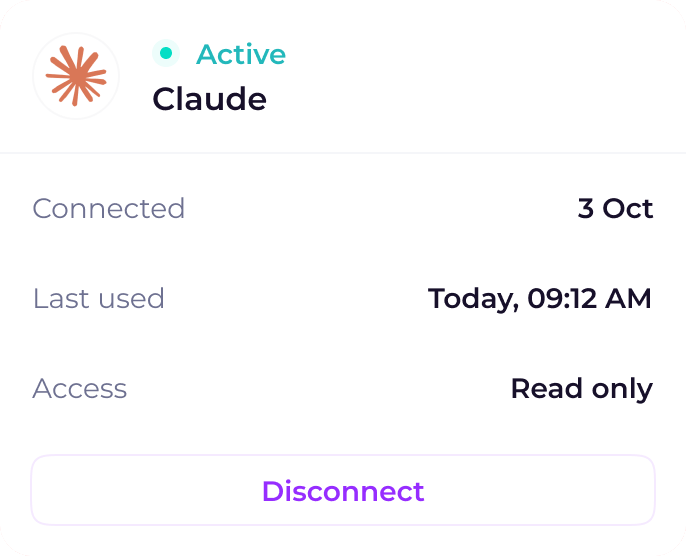
Claude can see your data but can't move money, make payments or change anything in Emma. Emma never shares account numbers or sort codes, and you can see when Claude last used your data and disconnect at any time in Settings.



Frequently asked questions
Yes. Emma is a community connector in the Claude directory. It doesn't show up when you search the directory yet, so open it with the link on this page: claude.ai/directory/emma-app.
It's included with Emma Plus, Pro and Ultimate, including free trials. It isn't available on Emma Basic. If your plan ends, Claude can no longer read your Emma data. If you don't upgrade within 30 days, the connection is removed and you'll need to connect again.
Start on claude.ai or in the Claude desktop app, then approve the request in the Emma app on your phone.
Once you allow access, Claude can read your accounts and balances, transactions and categories, budgets and spending, subscriptions and bills, and savings, investments and net worth. Transaction descriptions are shared as your bank sends them, so they can include details like account numbers. You'll see everything that's shared before you connect.
No. Access is read-only. Claude can see your data but can't move money, make payments or change anything in your Emma account.
No. Answers come from Claude, not from Emma, and aren't financial advice.
Emma only shares data with Claude when you ask it a question. How Claude uses your conversations, including for model training, is set by Anthropic's privacy settings, and you can turn model training off in Claude's settings.
In the Emma app, go to Settings, then AI integrations, and select Disconnect next to Claude. Claude loses access straight away.
For your security, requests expire after a few minutes. Start again from Claude.
More about AI integrations
How AI integrations work, what Claude can see and how to get help connecting.


Over 3 million downloads
We are on a mission to improve everyone's financial wellbeing.


