Get theEmma app
Take controlof your subscriptions
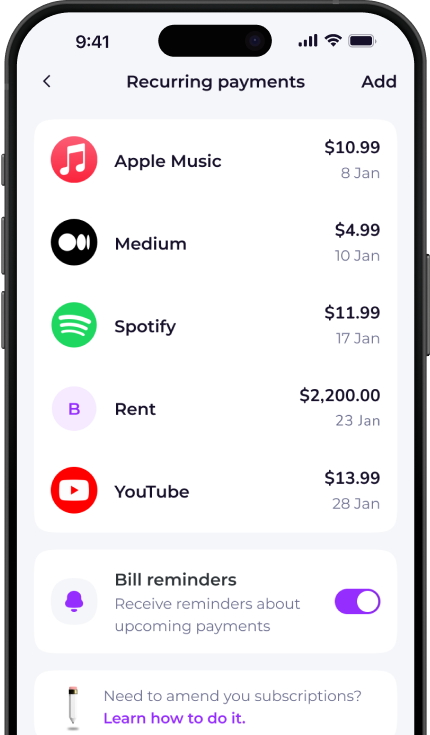
The Emma app finds and tracks all your recurring payments in one place. Over 3 million downloads.


How to cancel UPMC Health Plan
- Call customer service.
- Ask to speak with a representative.
- Provide them with your policy number and customer details.
- Request cancellation fo your health plan and monthly premiums.
- You will receive a confirmation letter or email.
To cancel over the phone, call: 1-877-539-3080

Want to get more clarity out of your bank accounts?
Download Emma to see all your money in one place and always know what you are paying for.


Whether you're looking for information on how to delete your UPMC Health Plan account, unsubscribe or cancel a free trial, Emma can help.
Check out the instructions above to cancel your UPMC Health Plan membership. You can also browse our directory for pages on how to cancel other popular subscription services.
Emma is a money management app that connects to all your bank accounts to help you track paid subscriptions and bank fees, set budgets payday to payday and categorise your expenses to identify areas for improvement in your finances.
Take back control of your money. Download Emma to build your credit, save more and spend less with the all-in-one financial membership.
UPMC Health Plan may show up on your statement as:
See all your recurring payments in the Emma app
How to redeem
Download the app
Get Emma for free
Connect all your bank accounts
It only takes a few clicks!
Click "see all" under recurring payments
The new page will open
View and edit details
You can see & edit payment history and predictions
Scan this QR code to download Emma.
Over 3 million downloads.


© 2026 Emma Technologies Ltd. All Rights Reserved.
Emma is registered and incorporated in England and Wales.
Emma Technologies Ltd (Company Registration Number 10578464). Registered office: Verse Building, 1st Floor, 18 Brunswick Place, London, N1 6DZ, United Kingdom.
Emma Technologies Ltd is registered with the Financial Conduct Authority under the Payment Services Regulations 2017 (FRN 794952). Emma Technologies Ltd is authorised and regulated by the Financial Conduct Authority (FRN 1042167) for investment services and consumer credit activities, including credit broking and credit information services. Emma Technologies Ltd acts as a credit broker, not a lender, and may receive a commission from lenders for introducing you to them.
Data Protection Registration Number: ZA241546.
All testimonials, reviews, opinions or case studies presented on our website may not be indicative of all customers. Results may vary and customers agree to proceed at their own risk.
Resources: Cancel subscriptions, Cashback offers, Who charged me, Rent Reporting, Budgeting, Investment universe, Emma vs Moneyhub.
Featured cashback offers: SimplyCook, Audible, M&S Homeware.