
FEATURED ARTICLE
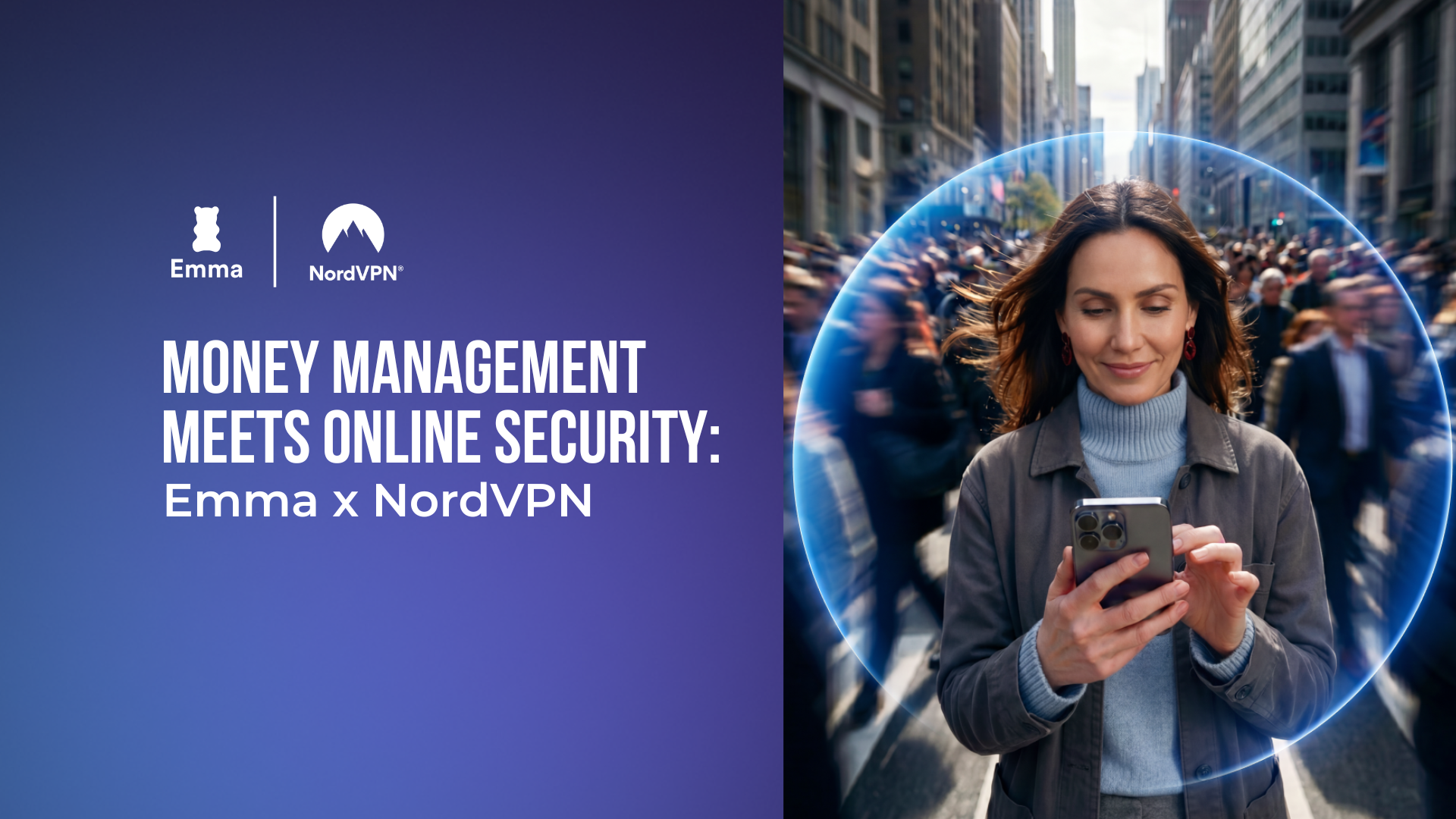
Smarter Money Management: How to Stay Secure Online

Jasmin Wilson
June 3, 2026 •2 min read
Money doesn’t just live in your bank account anymore. It lives in your inbox, your phone, your subscriptions, your online shopping accounts, and pretty much every app you use daily.
And while most of us have become more aware of managing our finances, protecting them online is something people often overlook (until something goes wrong). From phishing scams and password leaks to unsafe public Wi-Fi and identity theft, digital security has become a huge part of financial wellbeing.
That’s why the Emma app and NordVPN teamed up. Because feeling in control of your money today isn’t just about budgeting and saving, it’s also about protecting your financial life online.
Here are three simple things you can do to be a little safer while managing your money online.
1: Stay safe when managing money on the go
Checking your balance while sipping a latte at your favourite coffee shop might feel harmless, but public Wi-Fi networks are a notorious playground for hackers. Public hotspots often lack security and without proper protection, cybercriminals on the same network can intercept your data, including your login credentials and banking details.
- Treat public Wi-Fi as an absolute "no-go" zone for financial transactions unless you are encrypted.
- Before you open your Emma app to check your spending or log into your banking portal on the go, turn on NordVPN. It creates an encrypted tunnel for your internet traffic, making your financial data invisible to anyone snooping on the network.
2: Double-check before you click
Phishing scams have evolved way beyond poorly written emails from distant 'princes'. Today, they look like urgent text messages from "your bank" claiming your account is locked, or fake utility bills/road charges demanding immediate payment.
- Before reacting to a panicked email or text, open your Emma app. Because Emma brings together your real accounts and bills in one secure place, you can quickly verify if a "missed payment" or "fraud alert" is real or a trap.
- Avoid clicking links in unexpected messages altogether. Additionally, keeping NordVPN on helps block malicious websites and phishing links before they even have a chance to load on your screen.
3: Keep track of every pound you spend
One of the easiest ways to stay in control of your finances is to know exactly where your money is going. But that's easier said than done when your spending is spread across multiple bank accounts, credit cards, and subscriptions.
- Sync your accounts to the Emma app to see all of your spending in one place. This makes it easier to spot subscription charges, monitor your spending against your income, and understand exactly where your money is going.
- Set budgets for categories like eating out, shopping, transport, and groceries to stay on track. The Emma app sends you daily balance updates, shows you insights into your spending habits and net worth, and will also alert you if you're likely to exceed your budget in any of the categories.
How to activate NordVPN through Emma
NordVPN is included with the Emma Ultimate plan. To activate it, open the Emma app and tap your profile icon. You'll find the NordVPN activation option there. Follow the steps in the app, then head to NordVPN to complete your account setup and start protecting your connection.
You may also like
Check out these related blog posts for more tips



Over 3 million downloads
We are on a mission to improve everyone's financial wellbeing.




© 2026 Emma Technologies Ltd. All Rights Reserved.
Emma is registered and incorporated in England and Wales.
Emma Technologies Ltd (Company Registration Number 10578464). Registered office: Verse Building, 1st Floor, 18 Brunswick Place, London, N1 6DZ, United Kingdom.
Emma Technologies Ltd is registered with the Financial Conduct Authority under the Payment Services Regulations 2017 (FRN 794952). Emma Technologies Ltd is authorised and regulated by the Financial Conduct Authority (FRN 1042167) for investment services and consumer credit activities, including credit broking and credit information services. Emma Technologies Ltd acts as a credit broker, not a lender, and may receive a commission from lenders for introducing you to them.
Data Protection Registration Number: ZA241546.
All testimonials, reviews, opinions or case studies presented on our website may not be indicative of all customers. Results may vary and customers agree to proceed at their own risk.
Resources: Cancel subscriptions, Cashback offers, Who charged me, Rent Reporting, Budgeting, Investment universe, Emma vs Moneyhub.
Featured cashback offers: SimplyCook, Audible, M&S Homeware.