Get the Emma app
Take control of your subscriptions
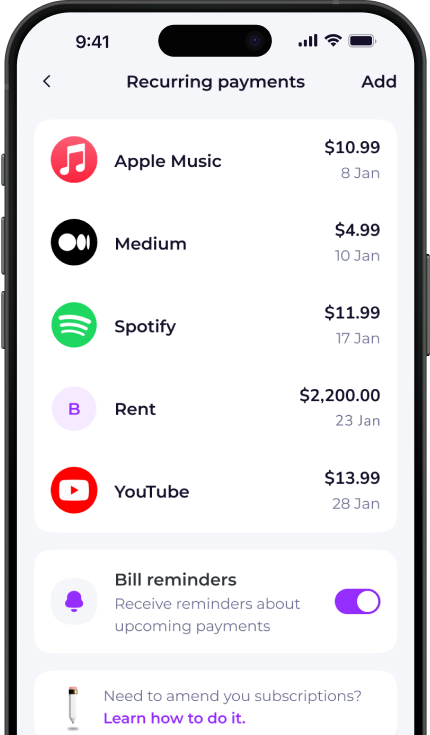
The Emma app finds and tracks all your recurring payments in one place. Over 3 million downloads.


How to cancel DVLA
- Contact the DVLA. You can call the DVLA at 0300 790 6802 from Monday to Friday between 8am and 7pm, and on Saturday from 8am to 2pm. You can email it here, and you can send a letter at Vehicle Customer Services, DVLA, Swansea, SA99 1AR.
- Your car tax will be automatically cancelled. If you have direct debits with the DVLA, these will be automatically stopped and your car tax will no longer be valid.
- Your refund will be processed by the DVLA. You shouldn’t need to do anything, and a refund will come by cheque through the post. If your refund hasn’t come within 6 weeks, there may have been a problem and you should contact the DVLA to let it know you haven’t received your refund.
- If you have received the cheque, but the information on it is wrong, return the cheque with a note about the correct information to: Refund Section, DVLA, Swansea, SA99 1AL.
How to cancel your vehicle tax
You must tell DVLA that your vehicle has been:
- sold or transferred
- taken off the road
- written off by your insurance company
- scrapped at a vehicle scrapyard
- stolen
- exported out of the UK
- registered as exempt from vehicle tax
To cancel online, go to https://live.email-dvla.service.gov.uk/w2c/en_gb/decisions/Vehicle%20Enquiries?_ga=2.179580516.1727502403.1574095990-1899111202.1573499955
To cancel over the phone, call: 0300 790 6802

Want to get more clarity out of your bank accounts?
Download Emma to see all your money in one place and always know what you are paying for.


Whether you're looking for information on how to delete your DVLA account, unsubscribe or cancel a free trial, Emma can help.
Check out the instructions above to cancel your DVLA membership. You can also browse our directory for pages on how to cancel other popular subscription services.
Emma is a money management app that connects to all your bank accounts to help you track paid subscriptions and bank fees, set budgets payday to payday and categorise your expenses to identify areas for improvement in your finances.
Take back control of your money. Download Emma to build your credit, save more and spend less with the all-in-one financial membership.
DVLA may show up on your statement as:
See all your recurring payments in the Emma app
How to redeem
Download the app
Get Emma for free
Connect all your bank accounts
It only takes a few clicks!
Click "see all" under recurring payments
The new page will open
View and edit details
You can see & edit payment history and predictions
Scan this QR code to download Emma.
Over 3 million downloads.


