FEATURED ARTICLE
Ask Claude about your money: Emma is now in Claude

Edoardo Moreni
November 17, 2026 •2 min read
TABLE OF CONTENTS
What you can ask
What Claude can see
Read-only, so you stay in control
How to connect Emma to Claude
Who can use it
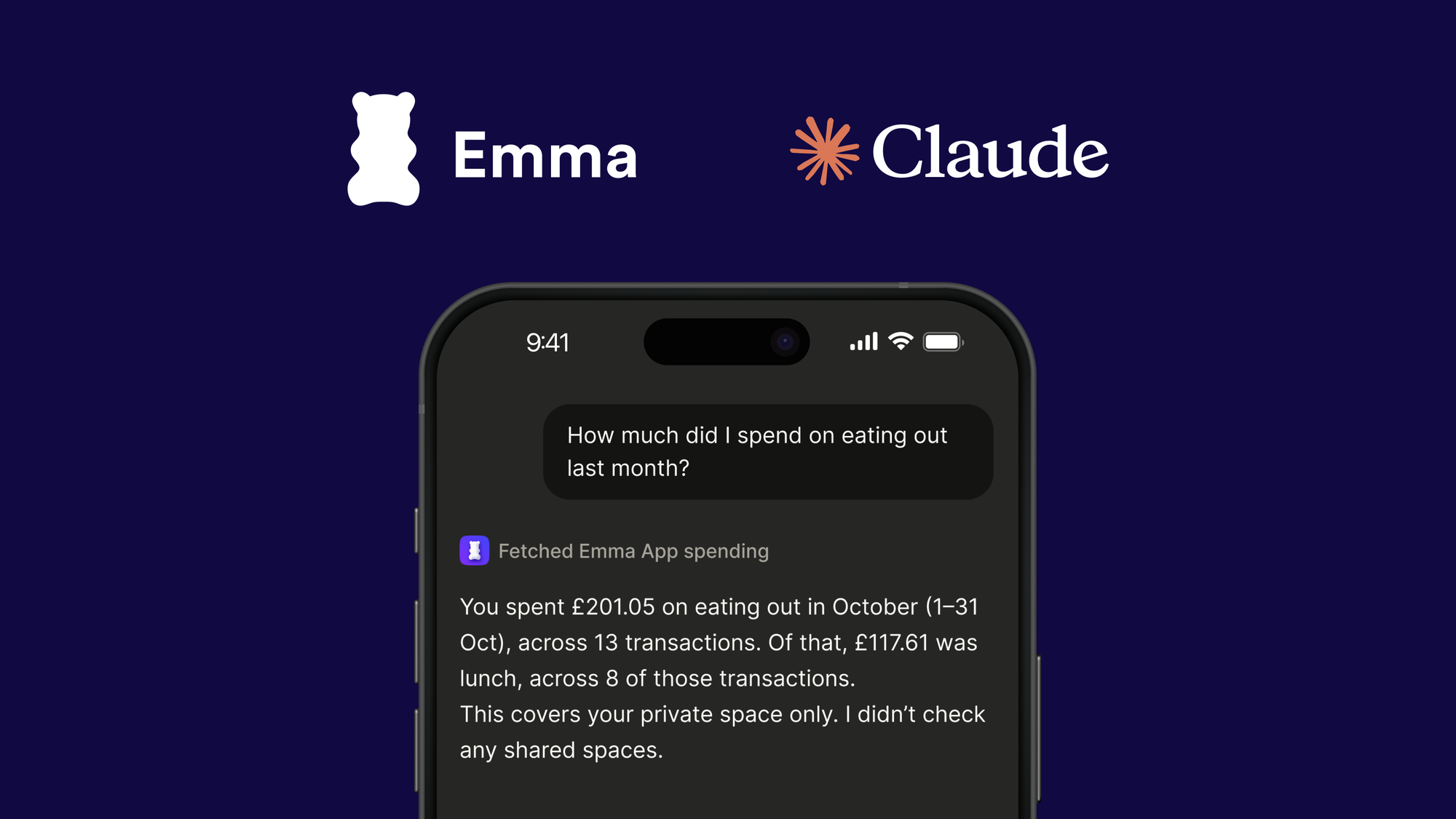
Most questions about money are simple. How much did I spend on takeaways last month? Which subscriptions am I still paying for? Am I over budget? Getting the answer usually means opening the app, picking a category, changing the date range and adding things up.
Now you can ask instead. Connect Emma to Claude and ask about your money in your own words. Claude answers using your Emma data: your connected accounts, transactions, budgets and savings.
What you can ask
- "How much did I spend on eating out last month?"
- "What subscriptions am I paying for?"
- "Am I over budget this month?"
- "How much will I have left before payday?"
- "Has my ISA deposit arrived?"
You can follow up as you would with a person. Ask Claude to compare two months, list your biggest merchants, or explain where your budget went.
What Claude can see
Once you connect, Claude can see your connected bank accounts and balances, search your transactions, break down your spending by category or merchant, check your budgets and goals, list your recurring payments and work out your True Balance until payday. It can also see your Emma savings pots, Cash ISA and investment accounts, including recent deposits and activity.
Read-only, so you stay in control
- Nothing can be moved or changed. Claude can read your Emma data. It can't move money, make payments or change anything in Emma.
- No account numbers. Emma never shares account numbers or sort codes with Claude.
- You choose, and you can stop. Nothing is shared until you connect and approve access in the Emma app. You can see when Claude last used your data and disconnect at any time in Settings.
Claude's answers are information to help you understand your money. They are not financial advice.
How to connect Emma to Claude
- Open Emma in Claude. Go to claude.ai/directory/emma-app on claude.ai or in the Claude desktop app, and select Connect.
- Approve in the Emma app. An Emma page opens showing what Claude will be able to see. On a computer, scan the QR code with your phone. On your phone, tap Open Emma. Check the request and tap Allow access. You need the latest version of the Emma app, so update it first if you haven’t recently.
- Start asking. Go back to Claude and ask your first question.
Emma is listed in Claude's directory as a Community connector, so Claude shows a short notice before you connect. That's expected: select Connect to carry on.
Who can use it
Emma for Claude is included with Emma Plus, Pro and Ultimate. You'll also need a Claude account.
If something doesn't work, our help article How do I connect Emma to Claude? covers the common fixes, and our support team can help in the app.
You may also like
Check out these related blog posts for more tips




Over 3 million downloads
We are on a mission to improve everyone's financial wellbeing.